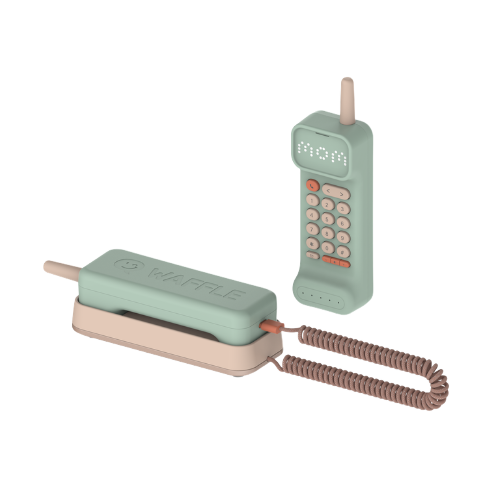
Waffle Home
A screen-free home phone made just for kids. They reach mom, dad or grandma at the press of a button — no apps, no internet, no strangers. Just simple calls to the people you approve.
Select your colour
Fully refundable until we ship — refund terms

Cordless
Walk & talk freely

Caller ID Display
See who's calling

Voice Notes
Leave a message

Slam it Down
Hang up with feeling

Approved Contacts
No strangers, no surprises

Wi-Fi Built-in
Talk on the go

Waffle Parent Hub
You're in charge
Secure checkout · Powered by Stripe
Cordless
Walk & talk freely
Caller ID Display
See who's calling
Voice Notes
Leave a message
Slam it Down
Hang up with feeling
Approved Contacts
No strangers, no surprises
Wi-Fi Built-in
Talk on the go
Waffle Parent Hub
You're in charge
Plans & Subscriptions
Start free. Upgrade anytime. 10-day free trial of Paid included.
- Free Waffle-to-Waffle calls
- 400 min/month Wi-Fi calls
- 1 approved contact (mom, dad or grandma)
- Voice notes
- Waffle Parent Hub
- Emergency calling — 911
No hidden fees — the monthly price is all you pay. No activation fees, no overage charges, no surprises.
Founding Family? If you ordered before 1 July 2026, your pricing stays locked in for good. Learn more
Built for Childhood.
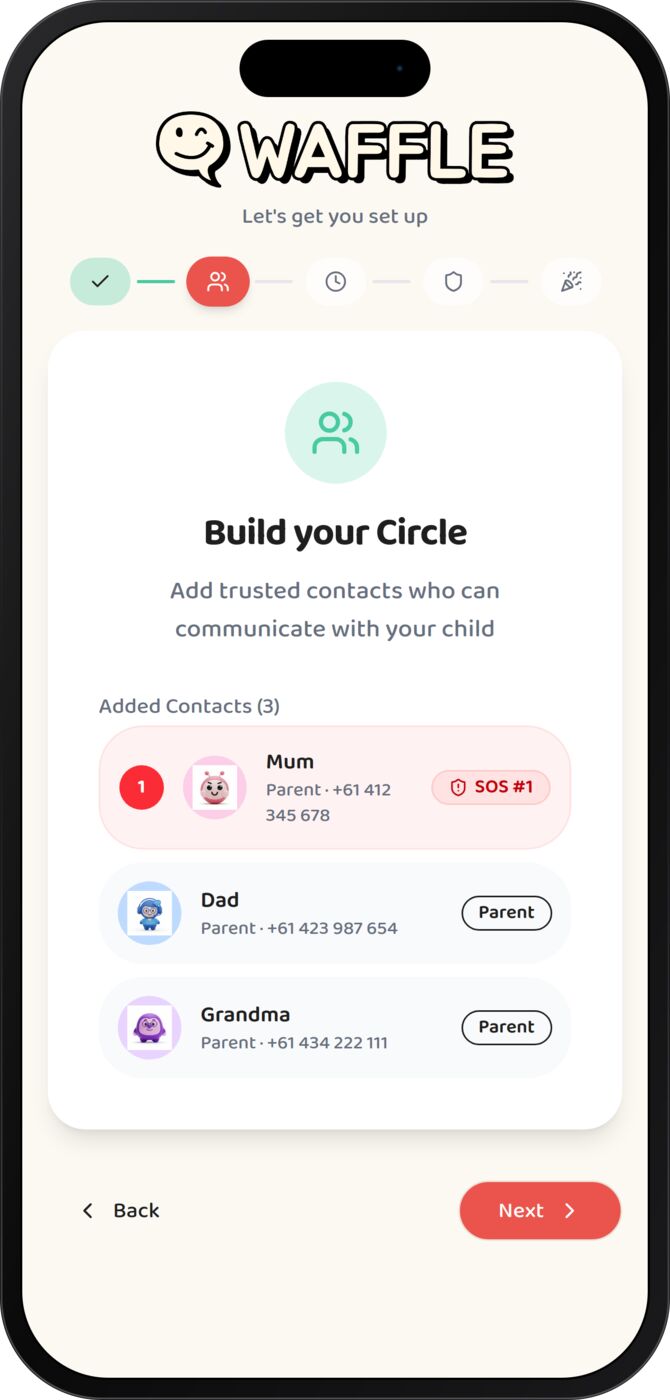
How It Works.
From unboxing to first call in under 5 minutes. Seriously.
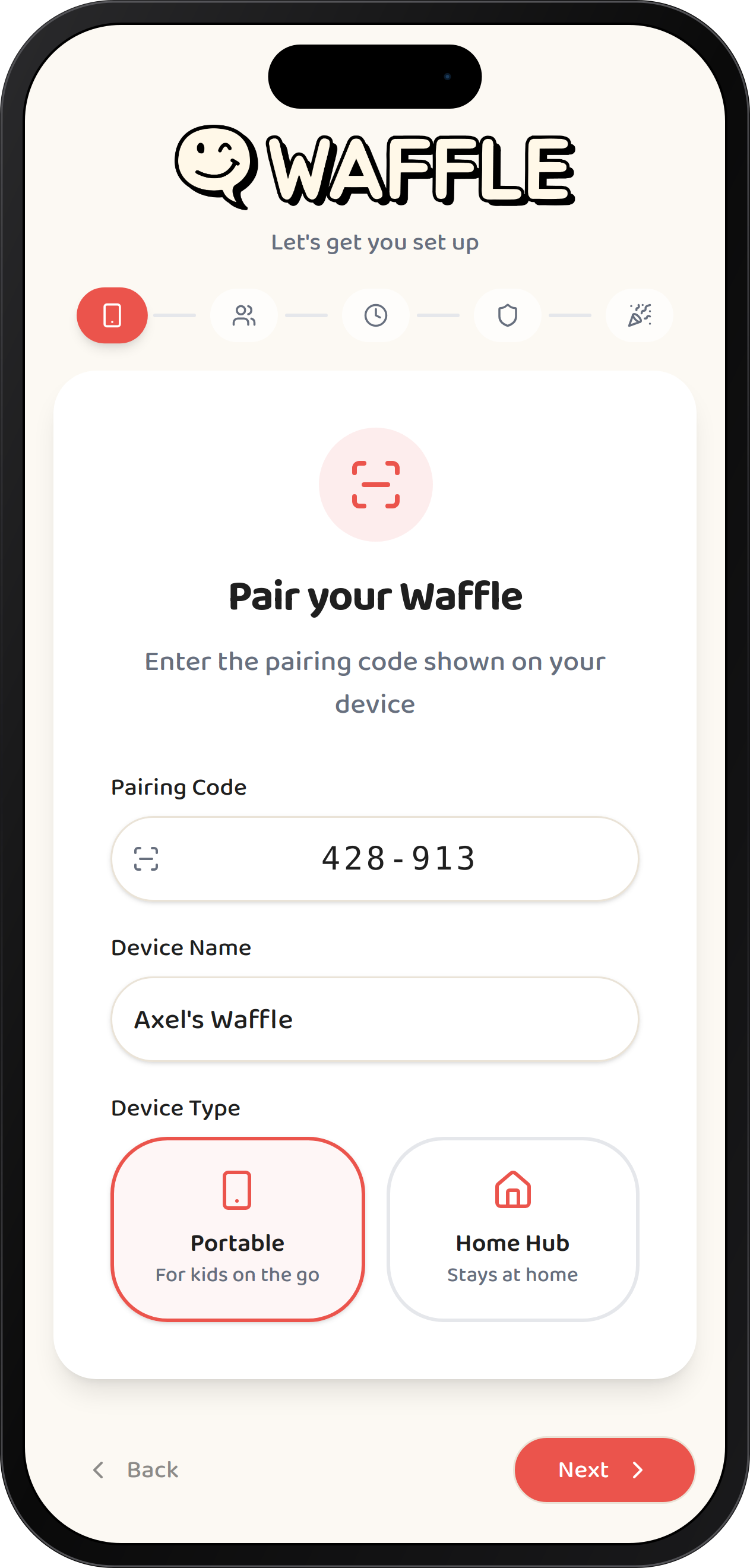
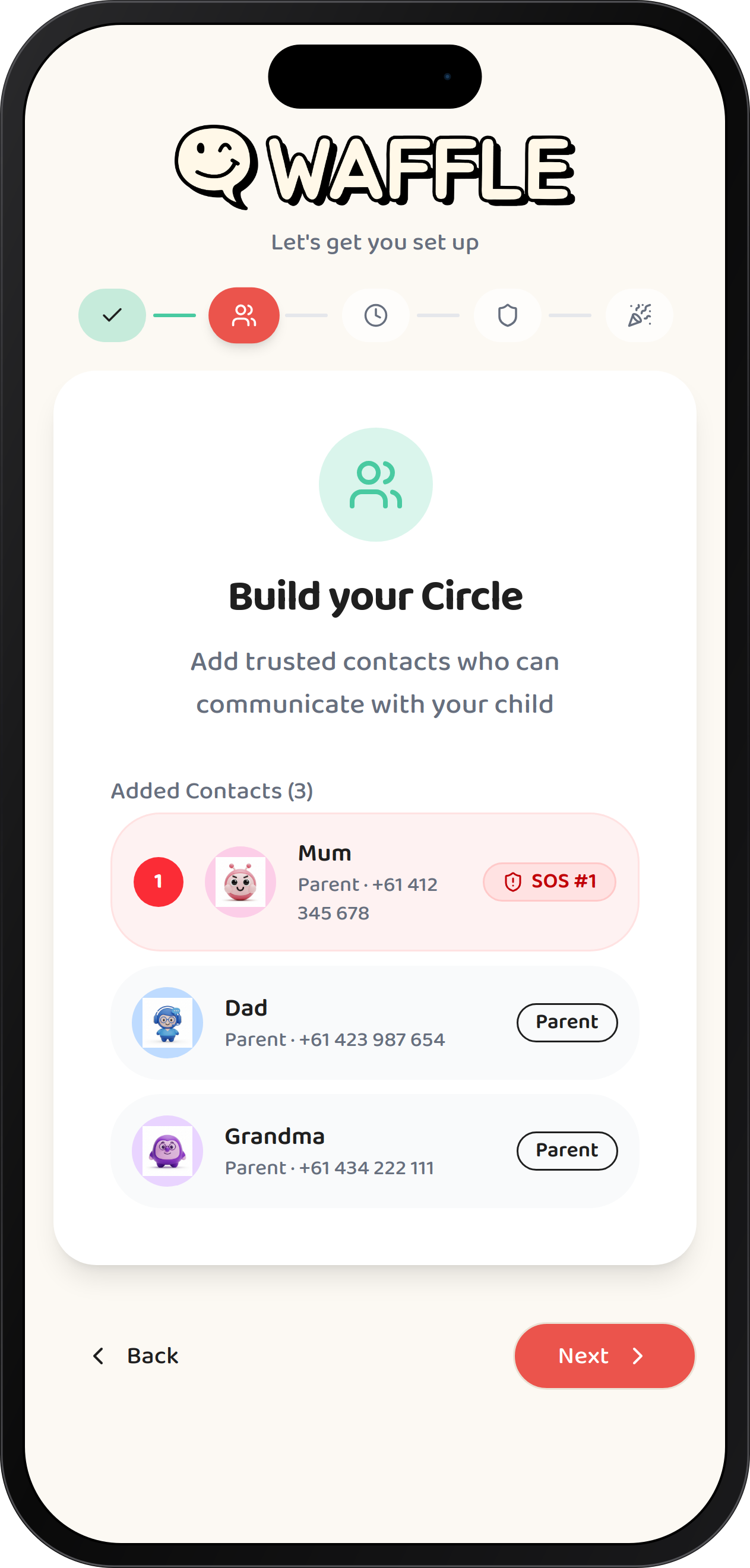
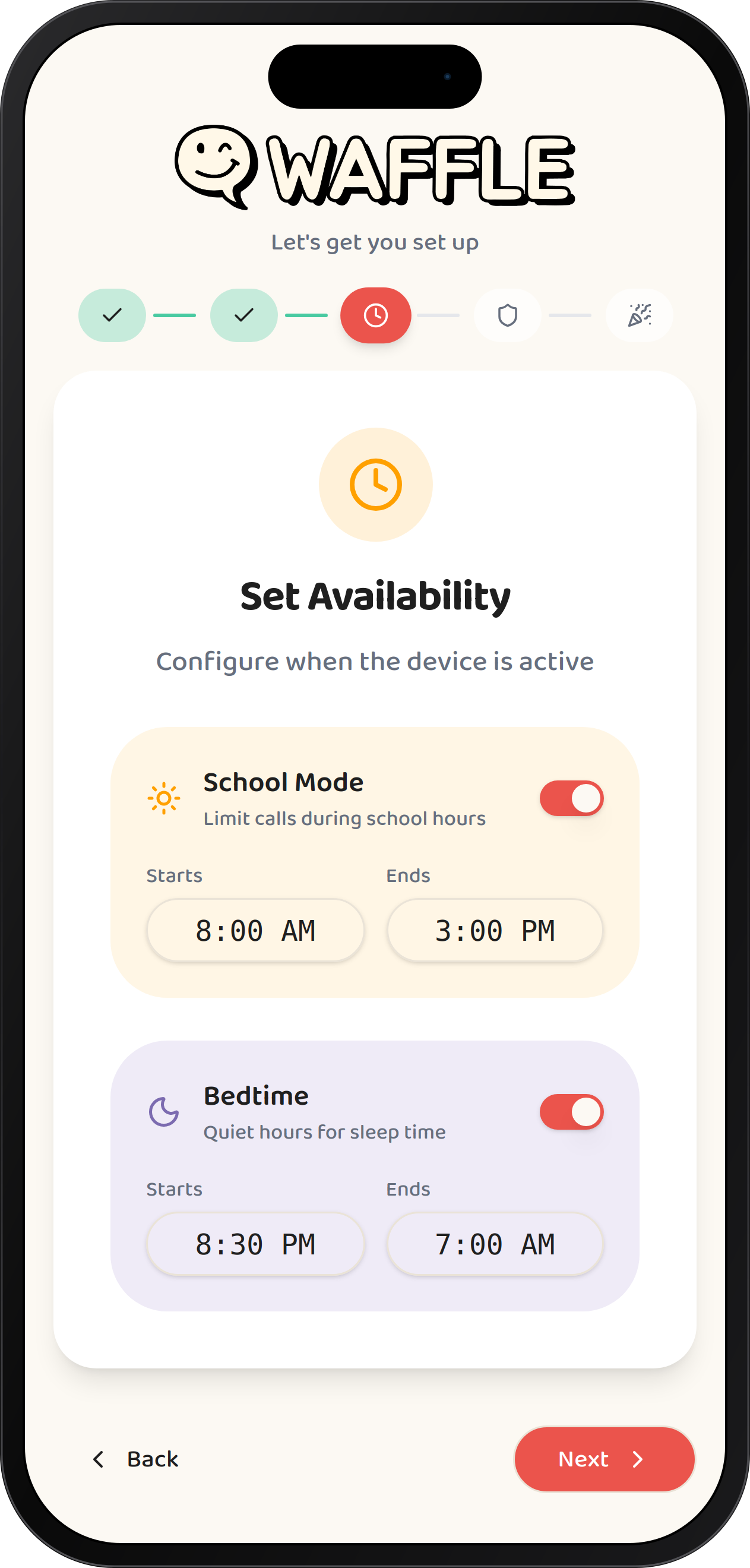
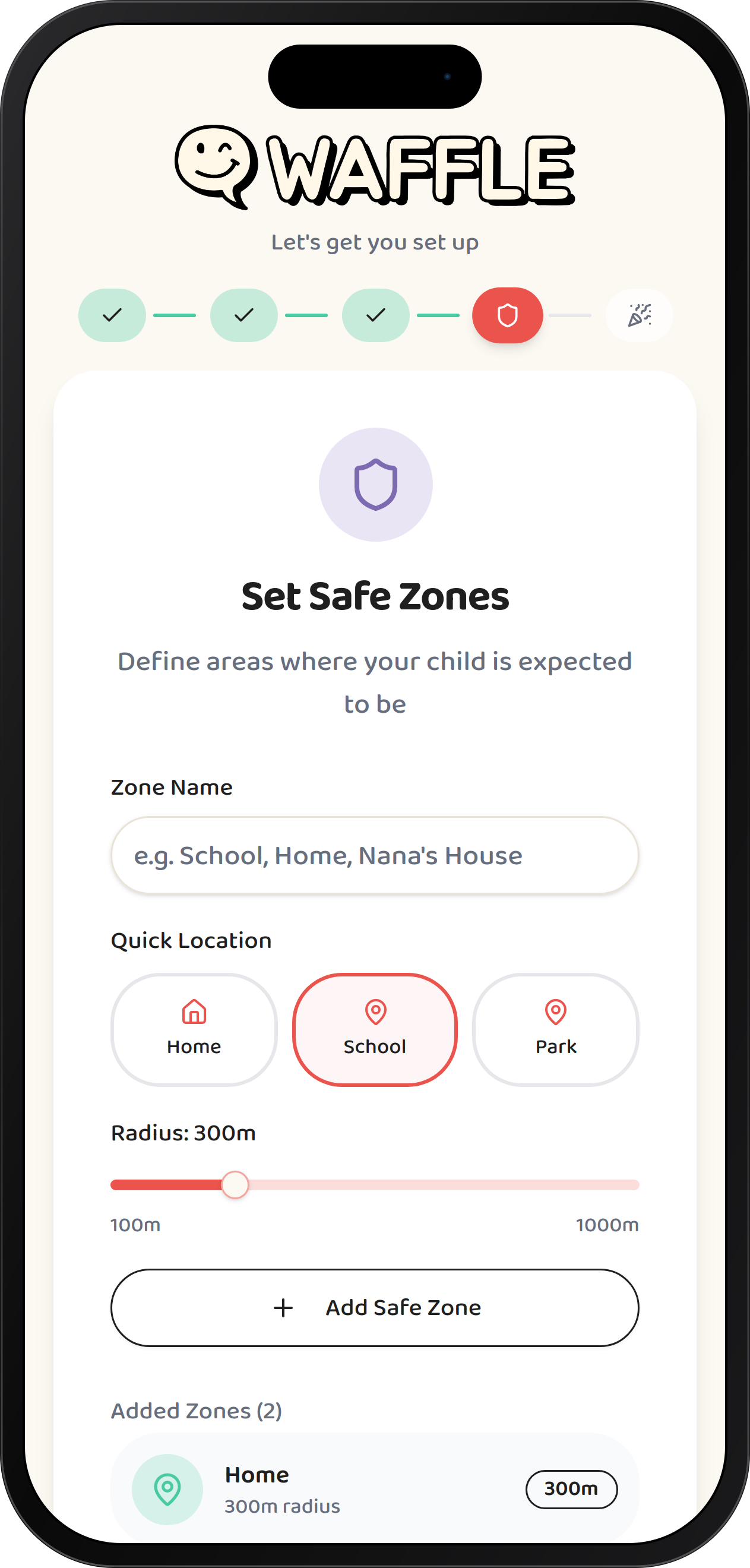
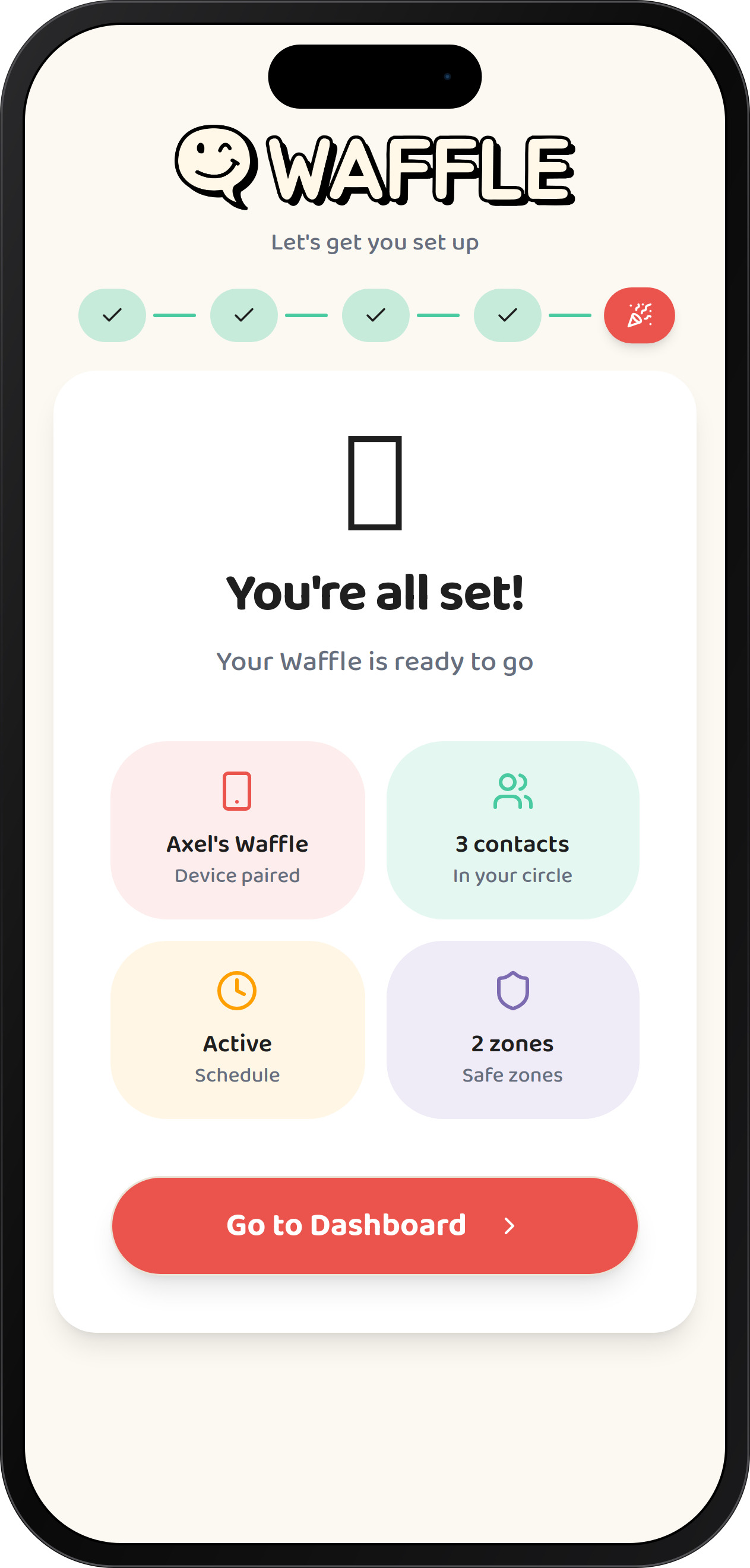
Pair Device
Download the Waffle Parent Hub app and pair your device with a simple code.
Tech Specs
Rechargeable cordless
10ft twirly cord
4ft charging cable
Satisfying hang-up
Wi-Fi built-in
Caller ID
Voice calls, PTT & voice notes
Frequently asked questions
Waffle Home:
• Find approved contact
• Call contact (Bestie, Grandma!, Dad!)
• Or leave a voice note!
Waffle Go:
• Find approved contact
• Call contact (Bestie, Grandma, Nana)
• Or leave a voice note!
Open the Waffle Parent Hub → Select device → Hit the call button
From your regular phone (Home Paid & Go Paid):
Just dial your Waffle's phone number like any other call.
• Home Paid: Anyone can call
• Go Paid: Only approved contacts can call
You can also check voice notes in the app!
1. Tap "Contacts"
2. Hit the + button
3. Enter name and number
4. Save!
Waffle Home Free: You get 1 contact
Paid plans: Add as many as you want!
• Other Waffle devices
• Contacts you've approved in the app
• Emergency services (911) directly
No random numbers, no strangers. You're in full control.
On Waffle Go, your child presses and holds the call button and power button together for 5 seconds — when SOS appears, they press the call button. On Waffle Home, they dial 911 on the handset keypad. Your child speaks directly with the emergency operator, and the Waffle Parent Hub sends you a push notification the moment the call connects — with the time, the registered service address, and that 911 was called.
911 calls route to the Public Safety Answering Point (PSAP) for the service address you registered during setup, so keep that address up to date in the Waffle Parent Hub. Waffle needs an internet connection to call 911. Always keep a working phone available — Waffle is a communication device, not a substitute for emergency services.
On Waffle Go, press and hold the call button and power button together for 5 seconds — when SOS appears, press the call button. On Waffle Home, dial 911 on the handset keypad. The call routes to the Public Safety Answering Point (PSAP) for your registered service address and your child speaks directly with the emergency operator.
The moment the call connects, the Waffle Parent Hub sends you a push notification with the time, the registered service address, and that 911 was called. It's sent in parallel, so it never delays the emergency call.
We NEVER:
• Sell your data
• Share it with advertisers
• Let third parties access it
• Record calls without telling you
You can see all your child's Waffle calls and messages (that's a feature for safety, not spying!).
Waffle Go also transmits GPS location where available, but because it's portable the call may route to the PSAP for your registered address rather than your child's exact location — your child may need to tell the operator where they are. Waffle needs an internet connection (Go: WiFi or mobile data; Home: WiFi, no cellular fallback), and E911 may be limited if your connection or power fails. Always keep a working phone available.
Home Paid: Anyone with the phone number + unlimited approved contacts
Go Paid: Approved contacts via phone number + unlimited approved contacts + other Waffle devices
Think of it like the old landline you had as a kid, but way smarter.
• A US phone number
• Receive calls from any phone
• Make calls to any US number
• Way cheaper than a traditional landline!
If you've got a fancy router with both 2.4GHz and 5GHz, you might need to connect to the 2.4GHz network during setup.
Added to your cart
$20 refundable deposit today · balance due 1st September